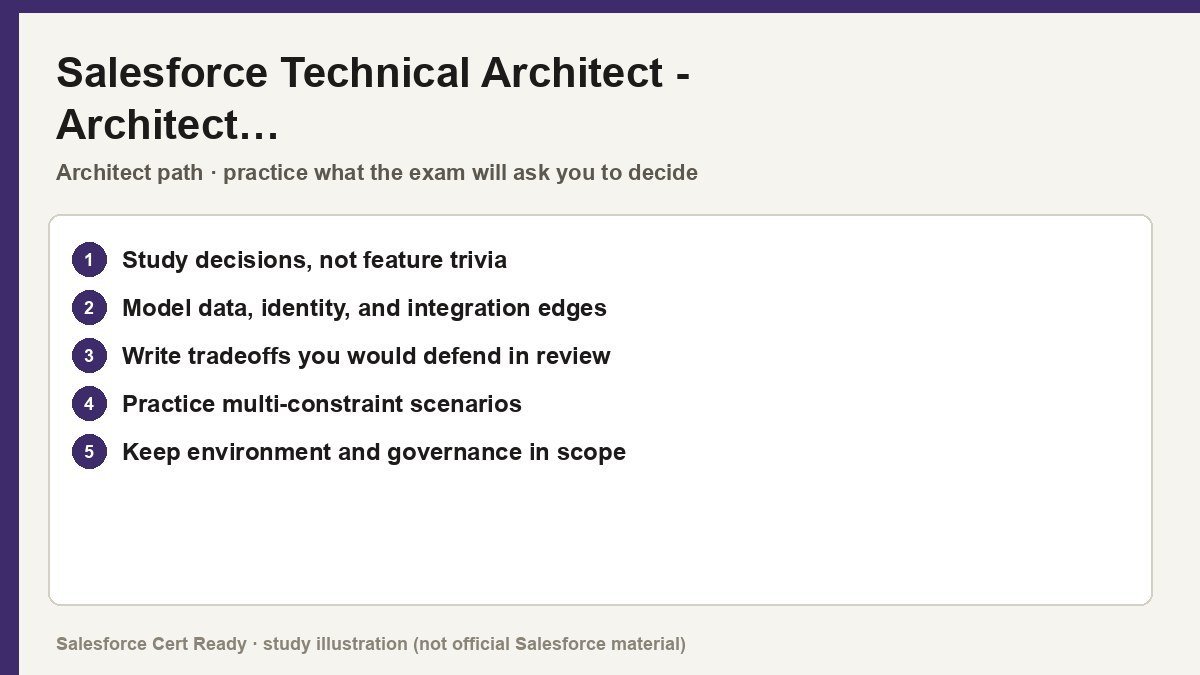
Study map for Salesforce Technical Architect – Architect…. Confirm objectives on current Salesforce sources.
Salesforce Technical Architect – Architect Evaluation
Catalog status checked July 19, 2026: Available.
Current credential snapshot
| Item | Current listing |
|---|---|
| Credential | Salesforce Technical Architect – Architect Evaluation |
| Track | Architect |
| Level in source inventory | Senior |
| Exam code in source inventory | CTA-Eval |
| Price in source inventory | $1500 USD |
| Availability | Available |
Exam format, objectives, pricing, and prerequisites can change. Confirm those details in Salesforce’s current exam guide before purchasing or scheduling an exam.
Study overview
🧱 The gatekeeper to the Review Board. If you can’t defend your design here, you aren’t ready for the board.Salesforce Certified Technical Architect – Architect Evaluation
The high-stakes “pre-board” diagnostic designed to validate your architectural readiness and technical depth before the final CTA Review Board.
At a Glance
| Category | Details |
|---|---|
| Exam Code | CTA-Eval |
| Duration | 135 minutes total (60m Prep, 30m Presentation, 30m Q&A, 15m Feedback) |
| Questions | 1 Scenario-based oral presentation + technical defense |
| Passing Score | Multi-section scoring; must pass all domains |
| Cost | $1,500 USD |
| Delivery | Online only (via Google Meet/proctored session) |
| Prerequisites | Application Architect AND System Architect certifications |
| Recommended Experience | 5+ years implementation experience; 3+ years in an Architect role |
🎯 Who Should Take This – The CTA Aspirant: You have finished the “Architect Pyramid” and are within 6–12 months of your goal. You need a formal assessment to identify remaining knowledge gaps.
- The Lead Architect: You already lead complex, multi-cloud deployments and need to validate that your “real world” habits align with Salesforce’s “Gold Standard” architectural patterns.
- The Strategic Consultant: You are comfortable presenting technical trade-offs to stakeholders and want to prove you can design secure, high-performance solutions under extreme time pressure.
What You’ll Prove
This evaluation isn’t about memorizing features; it’s a simulation of the elite architect’s workflow. You will demonstrate the ability to synthesize 10+ pages of business requirements into a cohesive technical strategy while justifying every single decision against platform limits and best practices. – You can design a comprehensive System Landscape that balances Salesforce native features with external middleware, identity providers, and ERP systems.
- You can architect a scalable
Data Modelthat accounts for Large Data Volumes (LDV), skinny tables, and custom indexing to maintain performance. - You can justify complex security models, choosing between
Criteria-Based Sharing,Apex Managed Sharing, orRestriction Rulesbased on specific volume and performance risks. - You can communicate technical debt and trade-offs to a panel of judges, explaining exactly why you chose one integration pattern (like
Pub/Sub) over another (likeRequest-Response). - You can mitigate project risks by designing a robust
Governanceframework and a deployment lifecycle that handles multi-track development without collisions.
Exam Outline
| Domain | Weight | What’s Covered |
|---|---|---|
| Scenario Analysis | 40% | Requirement synthesis, identifying hidden constraints, and time management. |
| Solution Design | 35% | Object-oriented design, Single vs. Multi-Org, and integration strategy. |
| Technical Knowledge | 25% | Security mechanisms, platform limits, and identity management flows. |
💡 In Notion, convert each domain row into a toggle to nest your study notes underneath.
Suggested Study Path
- Master the Prerequisites: Ensure your
Application ArchitectandSystem Architectknowledge is fresh. This evaluation is essentially a composite exam of those six certifications plus advanced governance. - Practice Mock Scenarios: Run at least 5–10 full scenarios under timed conditions. You must get your “reading and sketching” time for the
Data ModelandSystem Landscapedown to under 60 minutes. - Refine Your Artifacts: Practice building standardized diagrams in
Lucidchartusing the official Salesforce Shape Library. Hand-drawn diagrams are no longer accepted in the digital format. - Standardize Your Justifications: Develop a “Decision Matrix” in your head. For every choice (e.g.,
ODatavs.Custom REST), be ready to provide three reasons why and two trade-offs you are accepting. - Record Your Presentations: Present a scenario to a mirror or a colleague. Listen for “umms,” “ahhs,” and vague language. Practice saying “I recommend X because of Y” rather than “I think we could use X.”
⚠️ Watch Out For – The “Tooling” Trap: Do not spend 20 minutes making your Lucidchart look pretty. A functional, accurate diagram that is slightly messy beats a beautiful, incomplete one every time.
- Ignoring the “Why”: The judges will probe your weak spots. If you suggest
MuleSoftjust because it’s a Salesforce product without citing specific integration needs or volume requirements, you will lose points. - The “Rabbit Hole” Effect: It is easy to get stuck on a single complex requirement. If a requirement is unclear, state your assumption clearly, make a decision, and move on.
- Weak Fundamentals: You can fail for missing basic
OWD(Org-Wide Default) settings even if your integration logic is brilliant. The “Gold Standard” requires perfection in the basics.
🔗 Resources – Official Salesforce CTA Exam Guide
- Architect Evaluation Trailmix
- Architect.salesforce.com – Diagramming Framework
- CTA601: Workshop for the Architect Evaluation
If you’re stressed, remember that most CTAs failed at least once before they passed. Buy some good coffee and start drawing that data model again.
Official status sources
Catalog status last verified: 2026-07-19.