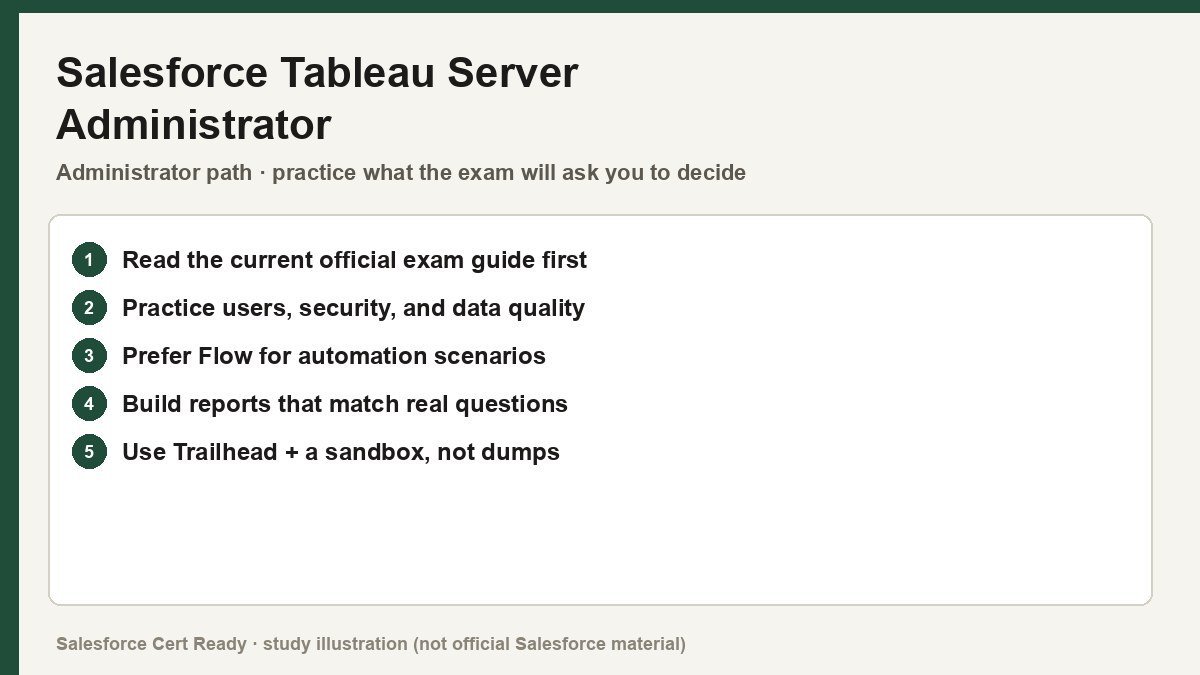
Study map for Salesforce Tableau Server Administrator. Confirm objectives on current Salesforce sources.
Salesforce Tableau Server Administrator
Catalog status checked July 19, 2026: Available.
Current credential snapshot
| Item | Current listing |
|---|---|
| Credential | Salesforce Tableau Server Administrator |
| Track | Administrator |
| Level in source inventory | Mid |
| Exam code in source inventory | Analytics-Admn-201 |
| Price in source inventory | $200 USD |
| Availability | Available |
Exam format, objectives, pricing, and prerequisites can change. Confirm those details in Salesforce’s current exam guide before purchasing or scheduling an exam.
Study overview
🖥️ Master the engine behind the insights. This is the gold standard for platform reliability.Salesforce Certified Tableau Server Administrator
Validating the technical expertise required to deploy, manage, and scale Tableau Server environments.
At a Glance
| Feature | Details |
|---|---|
| Exam Code | Analytics-Admn-201 |
| Duration | 90 Minutes |
| Questions | 55 multiple-choice/multiple-select |
| Passing Score | 64% |
| Cost | $200 USD |
| Delivery | Online proctored or Pearson VUE testing center |
| Prerequisites | None (though Tableau Desktop Foundations is helpful) |
| Recommended Experience | 6+ months of hands-on Tableau Server administration |
Who Should Take This
- System Administrators: Professionals responsible for the underlying infrastructure, installation, and ongoing maintenance of the
Tableau Serverplatform. - BI Platform Operators: Individuals managing the day-to-day health of analytics environments, ensuring high availability and optimal performance for end-users.
- IT Specialists: Technical staff handling security audits, Active Directory integration, and network configuration for enterprise data tools.
- Independent Consultants: Freelancers who need to prove they can stand up a single-machine or multi-node
Tableauenvironment for clients.
What You’ll Prove
This credential moves beyond basic data visualization to focus on the “plumbing” of the platform. You are expected to understand the nuances of server architecture and how various processes interact under load. * You can install and configure Tableau Server on both Windows and Linux environments, including air-gapped or disconnected setups.
- You can manage a robust security model using site roles, permissions, and external identity stores like Active Directory or SAML.
- You can automate routine maintenance tasks using command-line utilities like
tsm(Tableau Services Manager) andtabcmd. - You can monitor server health through built-in administrative views and log file analysis to preemptively solve performance bottlenecks.
- You can execute complex lifecycle operations, including hardware migrations, version upgrades, and disaster recovery via backup/restore.
Exam Outline
| Domain | Weight | What’s Covered |
|---|---|---|
| Administration | 36% | User/Group management, Site roles, Permissions, Content governance, Data certification. |
| Installation & Configuration | 26% | Initial setup, TSM topology, Identity Store, SSL/TLS, SMTP, and Gateway ports. |
| Connecting to & Preparing Data | 20% | Live vs. Extract connections, Published data sources, Driver installation, Caching. |
| Troubleshooting | 12% | Log analysis (ziplogs), Repository audits, Performance recording, Server status. |
| Migration & Upgrade | 6% | Clean reinstalls, Hardware migration, Version compatibility, Backup procedures. |
💡 In Notion, convert each domain row into a toggle to nest your study notes underneath.
Suggested Study Path
- Build a Sandbox. Set up a personal lab environment on a VM (AWS, Azure, or local). Nothing replaces the experience of a “silent install” or breaking a
tsmconfiguration and fixing it. - Master TSM and tabcmd. Memorize the core syntax for
tsm maintenance, especiallybackup,restore, andziplogs. Understand when to use the Web UI versus the CLI. - Audit Official Documentation. Deep dive into the
Tableau Server Admin Guide. Pay close attention to the “Security Hardening Checklist” and “Identity Store” sections. - Practice Permission Logic. Create a matrix of Project, Group, and User permissions. Know exactly what happens when an “Allow” meets a “Deny” at a different hierarchy level.
- Review Admin Views. Learn to read the “Background Tasks for Extracts” and “Stats for Space Usage” views. You should know which dashboard to check when a user complains about slow rendering.
- Take Practice Exams. Use high-quality simulators to get used to the “multiple-select” format, where you must choose two or three correct answers out of five.
Watch Out For
- Process Specifics: Don’t just know that the server runs; know which process does what. If a view won’t render, is it the
VizQL Serveror theData Engine? - Site vs. Server Admin: Be very clear on the boundaries. A Site Admin can add users to a site, but only a Server Admin can create the site or manage licenses.
- Identity Store Finality: Remember that you generally cannot change your Identity Store (e.g., from Local to Active Directory) without a full reinstall.
- Backgrounder Load: Understand how the
Backgrounderprocess impacts performance and why you might isolate it on a specific node in a cluster.
Resources
- Official Exam Guide (Analytics-Admn-201)
- Tableau Server Help Documentation
- Tableau Blueprint for Scalable Growth
- Trailhead: Tableau Server Administration Learning Path
Stop guessing why the server is slow and start proving you know how to fix it. Get certified, or keep spending your weekends digging through log files.
Official status sources
Catalog status last verified: 2026-07-19.