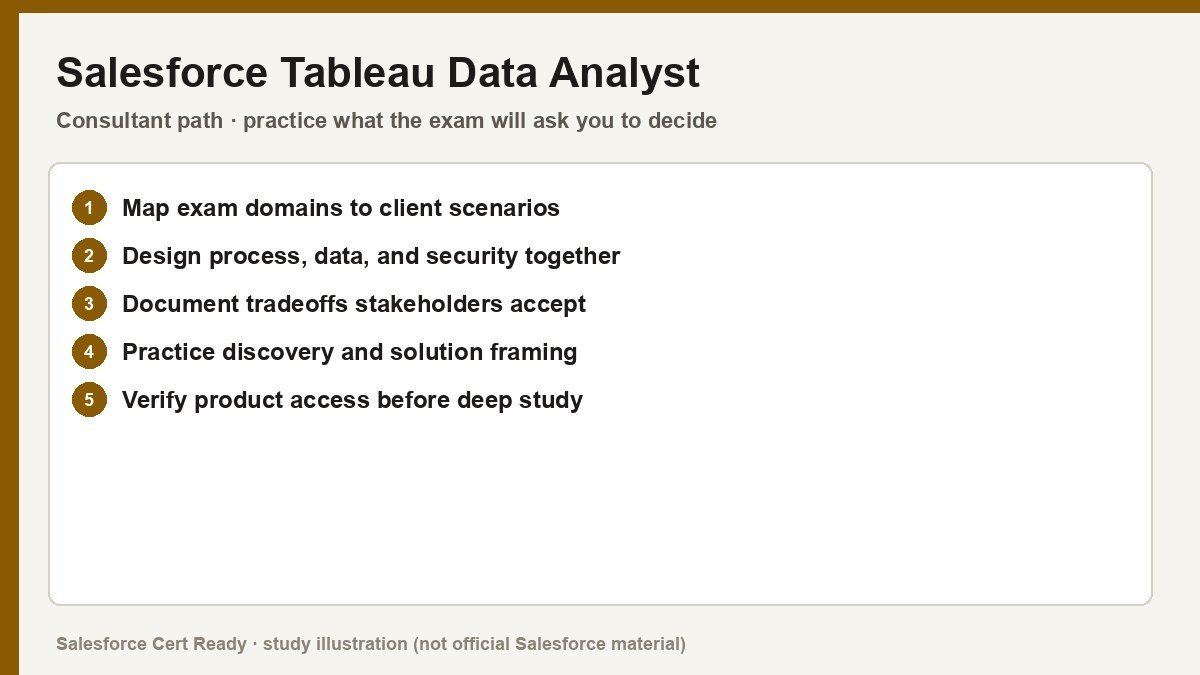
Study map for Salesforce Tableau Data Analyst. Confirm objectives on current Salesforce sources.
Salesforce Tableau Data Analyst
Catalog status checked July 19, 2026: Available.
Current credential snapshot
| Item | Current listing |
|---|---|
| Credential | Salesforce Tableau Data Analyst |
| Track | Consultant |
| Level in source inventory | Mid |
| Exam code in source inventory | Analytics-DA-201 |
| Price in source inventory | $200 USD |
| Availability | Available |
Exam format, objectives, pricing, and prerequisites can change. Confirm those details in Salesforce’s current exam guide before purchasing or scheduling an exam.
Study overview
📊 The benchmark for intermediate-to-advanced data practitioners using the Tableau ecosystem.Tableau Certified Data Analyst
Validate your ability to transform raw data into actionable business insights using Desktop, Prep, and Server/Cloud.
At a Glance
| Category | Details |
|---|---|
| Exam Code | Analytics-DA-201 |
| Duration | 120 minutes (including 105 mins for the exam and time for NDA/tutorials) |
| Questions | 55-60 items (Knowledge-based + 1 Hands-on Lab) |
| Passing Score | 750 (Scaled score from 100-1000) |
| Cost | $200 USD (Voucher expires 12 months from purchase) |
| Delivery | Pearson VUE (Online proctored or In-person test center) |
| Prerequisites | None |
| Recommended Experience | 6+ months of hands-on experience in Tableau |
Who Should Take This
- The Business Intelligence Analyst: You are the bridge between raw databases and stakeholders, responsible for delivering the dashboards that drive weekly operations.
- The Data Engineer (Lite): You spend significant time in
Tableau Prepcleaning messy CSVs and SQL joins before any visualization actually happens. - The Power User: You have moved past basic bar charts and are now implementing
LOD Expressions,Sets, and complexTable Calculationsto answer deep business questions. - The Partner Consultant: You need a formal credential to prove to clients that you understand Tableau’s enterprise governance, including publishing and permissions.
What You’ll Prove
This certification moves beyond simple “button-clicking” to test your architectural understanding of how data flows through the Tableau platform. You aren’t just making pretty pictures; you are ensuring data accuracy and accessibility. * You can architect data connections by choosing between live connections and extracts or implementing Custom SQL and Relationships.
- You can automate data preparation using
Tableau Prep Builderto perform pivots, unions, and complex aggregations. - You can build advanced analytics by writing
FIXED,INCLUDE, andEXCLUDELOD expressions and configuring table calculations. - You can design for interactivity using
Parameters,Dashboard Actions, andShow/Hidebuttons to create guided discovery for users. - You can manage enterprise content by publishing workbooks, scheduling extract refreshes, and managing user permissions on
Tableau ServerorCloud.
Exam Outline
| Domain | Weight | What’s Covered |
|---|---|---|
| Connect to and Transform Data | 24% | Connections, Tableau Prep, Relationships vs. Joins, Data Interpreter, and Extract Filters. |
| Explore and Analyze Data | 41% | Calculations (LOD, Date, String), Table Calcs, Filtering, Parameters, and Trend Lines. |
| Create Content | 26% | Chart types (Gantt, Box Plot, Scatter), Dashboards, Stories, and Interactivity/Formatting. |
| Publish and Manage Content | 9% | Publishing flows/workbooks, Scheduling refreshes, Alerts, and Subscriptions. |
💡 In Notion, convert each domain row into a toggle to nest your study notes underneath.
Suggested Study Path
- Audit the Official Exam Guide to identify personal knowledge gaps, specifically in areas like
Tableau PreporServer/Cloudadmin tasks which are often overlooked. - Complete the “Tableau Desktop I & II” curriculum or equivalent Trailhead modules, focusing on the mechanics of calculations and data modeling.
- Build a “Hands-on Lab” sandbox where you practice building specific, complex charts (like Bullet Graphs or Histograms) without using the “Show Me” menu.
- Master the Order of Operations until you can recite exactly when a
Context Filteror aTop N Filterexecutes relative to anLODexpression. - Take a timed mock exam to get used to the three-section format where you cannot go back once a section is submitted.
- Practice in a virtual environment if possible, as the hands-on lab portion of the test uses a virtual machine that can feel slightly different than your local install.
Watch Out For
- The “No-Back” Rule: The exam is split into three sections (Knowledge, Lab, Knowledge). Once you move from Section 1 to Section 2, you can never go back to Section 1. Review your flags carefully.
- The Tableau Prep Deep Dive: Many analysts skip Prep in their daily work. The exam covers it heavily, including specific operations like
PivotingandAggregatingwithin a flow. - Theoretical Memory: The knowledge sections are “closed-book” and “no-software.” You must know exactly where menu items live (e.g., “Where do you go to add a Context Filter?”) from memory.
- Calculation Syntax: Expect questions that show four similar formulas and ask which one is syntactically correct for a specific date or string operation.
Resources
- Official Tableau Exam Guide
- Tableau Certification Prep Webinar
- Trailhead: Tableau Analyst Learning Path
- Learning Tableau Study Guide
Stop overthinking your LOD syntax and just take the test. If you can explain the difference between a Relationship and a Join to a confused stakeholder, you’re halfway there.
Official status sources
Catalog status last verified: 2026-07-19.