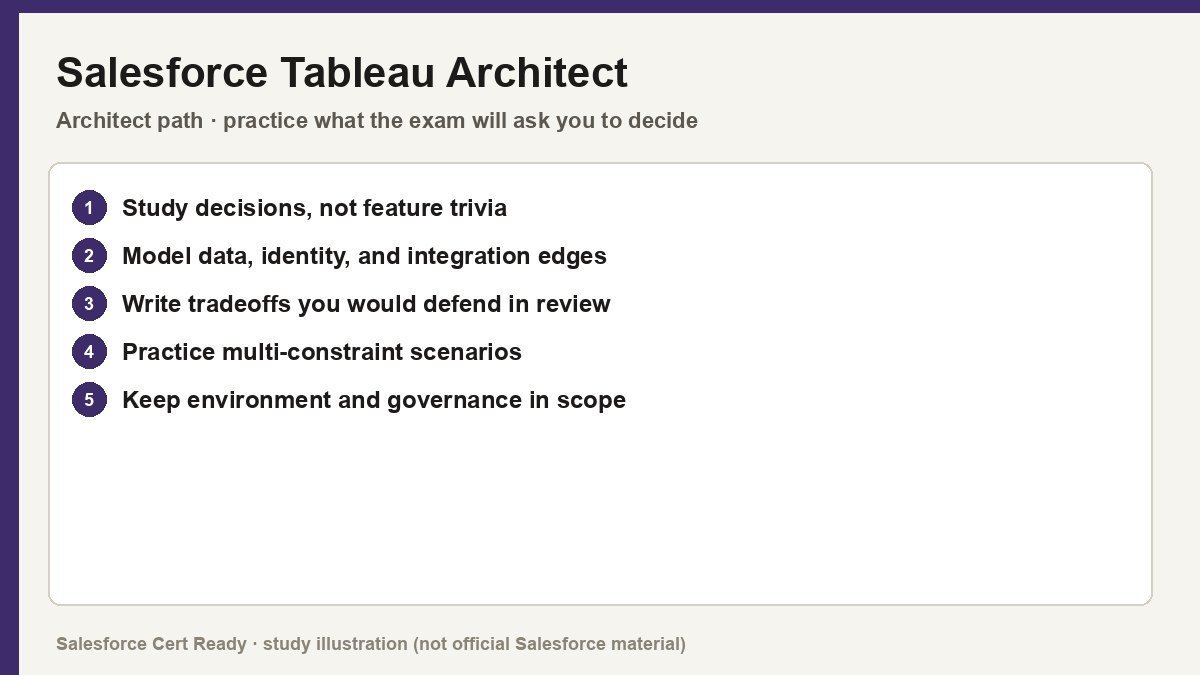
Study map for Salesforce Tableau Architect. Confirm objectives on current Salesforce sources.
Salesforce Tableau Architect
Catalog status checked July 19, 2026: Available.
Current credential snapshot
| Item | Current listing |
|---|---|
| Credential | Salesforce Tableau Architect |
| Track | Architect |
| Level in source inventory | Senior |
| Exam code in source inventory | Analytics-Arch-201 |
| Price in source inventory | $400 USD |
| Availability | Available |
Exam format, objectives, pricing, and prerequisites can change. Confirm those details in Salesforce’s current exam guide before purchasing or scheduling an exam.
Study overview
🏗️ Build for scale, design for performance.Salesforce Certified Tableau Architect
The elite credential for those who design, deploy, and maintain enterprise-grade Tableau infrastructure.
At a Glance
| Feature | Details |
|---|---|
| Exam Code | Analytics-Arch-201 |
| Duration | 105 Minutes |
| Questions | 59 (Multiple Choice / Multi-Select) |
| Passing Score | 63% |
| Cost | $400 USD |
| Delivery | Online Proctored or Pearson VUE Center |
| Prerequisites | None |
| Recommended Experience | 1+ years of Tableau Platform experience; minimum one cloud deployment |
Who Should Take This
- Infrastructure Architects: Professionals responsible for the blueprints of enterprise data environments, focusing on
Tableau ServerandTableau Cloudintegration. - System Administrators: Experienced admins looking to move beyond daily maintenance into strategic platform design and capacity planning.
- Analytics Consultants: Senior consultants who lead complex, multi-site deployments and high-stakes migrations for global organizations.
- Technical Leads: Individuals who bridge the gap between IT infrastructure and business intelligence, ensuring security and performance standards are met.
What You’ll Prove
This certification moves beyond simple dashboarding. It validates your ability to manage the underlying engine that powers data-driven organizations. You are expected to navigate the nuances of distributed environments, authentication protocols, and scalability challenges. * You can architect robust, scalable Tableau Server environments across various cloud providers or on-premises hardware.
- You can implement sophisticated security models including
Row-Level Security (RLS)and complex authentication likeSAML,Kerberos, andOpenID. - You can execute seamless migrations between
Tableau ServerandTableau Cloud, or across different operating systems. - You can optimize system performance by analyzing process topologies and managing
VizQL,Backgrounder, andData Serverdistribution. - You can establish governance and disaster recovery frameworks that ensure high availability and data integrity.
Exam Outline
| Domain | Weight | What’s Covered |
|---|---|---|
| Design a Tableau Infrastructure | 33% | Gathering requirements, licensing strategies (ATR), high availability (HA), and migration planning. |
| Deploy Tableau Server | 39% | Installation, TSM configuration, authentication methods, SSL encryption, and air-gapped deployments. |
| Monitor and Maintain | 28% | Troubleshooting with logs, performance tuning, resource monitoring, and automated maintenance scripts. |
💡 In Notion, convert each domain row into a toggle to nest your study notes underneath.
Suggested Study Path
- Audit your infrastructure knowledge. Spend time in the
Tableau Services Manager (TSM)web UI and CLI. You need to know which processes handle which tasks (e.g.,VizQLvs.Backgrounder) by heart. - Master the migration scenarios. Review the steps for moving from Windows to Linux, and
ServertoCloud. Understand the role of theTableau Content Migration ToolandTableau Bridge. - Deep dive into authentication. Don’t just know the names. Understand the handshake process for
SAML,Mutual SSL, andTrusted Tickets. Configure at least one identity provider integration if possible. - Study the scalability whitepapers. Read the official Tableau guides on “Server Enterprise Deployment” and “Scalability and Performance.” Focus on how adding nodes impacts concurrent user handling.
- Rehearse disaster recovery. Memorize the
tsm maintenance backupandrestorecommands. Understand the requirements for a “High Availability” cluster, specifically theCoordination Serviceensemble.
Watch Out For
- Licensing nuances. Be very clear on the difference between Core-based and Role-based licensing, and how
Authorization-to-Run (ATR)affects virtualized environments. - Process bottlenecks. The exam loves to ask which process to scale if extract refreshes are slow versus when workbook rendering is laggy. (Hint: it’s usually
Backgroundervs.VizQL). - Version-specific features. The current exam targets
Tableau 2024.2. Ensure you aren’t relying on outdated knowledge of legacy processes that have been deprecated or merged. - Topology constraints. Remember the “Rule of Three” for
Coordination Servicenodes and the specific requirements for external repositories and file stores.
Resources
- Official Exam Guide
- Trailhead Academy: Tableau Architect Learning Path
- Tableau Server Enterprise Deployment Guide
- Tableau Blueprint: Governance and Infrastructure
Stop worrying about the dashboards and start worrying about the engine. If the server goes down, the prettiest chart in the world is just a 404 error.
Official status sources
Catalog status last verified: 2026-07-19.