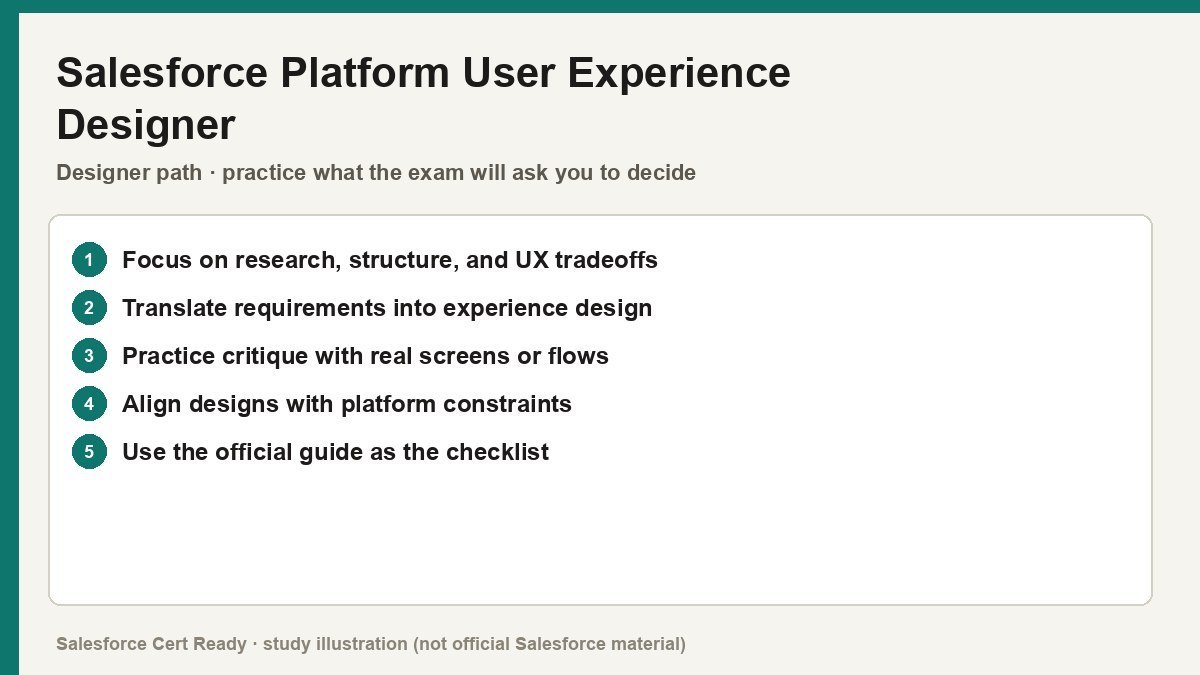
Study map for Salesforce Platform User Experience Designer. Confirm objectives on current Salesforce sources.
Salesforce Platform User Experience Designer
Catalog status checked July 19, 2026: Available.
Current credential snapshot
| Item | Current listing |
|---|---|
| Credential | Salesforce Platform User Experience Designer |
| Track | Designer |
| Level in source inventory | Mid |
| Exam code in source inventory | Plat-UX-101 |
| Price in source inventory | $200 USD |
| Availability | Available |
Exam format, objectives, pricing, and prerequisites can change. Confirm those details in Salesforce’s current exam guide before purchasing or scheduling an exam.
Study overview
🎨 Stop building “ugly” apps—start building human-centered solutions.Platform User Experience Designer
The credential for professionals who bridge the gap between technical requirements and delightful user interfaces.
At a Glance
| Feature | Details |
|---|---|
| Exam Code | Plat-UX-101 |
| Duration | 105 minutes |
| Questions | 60 multiple-choice questions |
| Passing Score | 65% |
| Cost | $200 USD ($100 Retake) |
| Delivery | Online or Onsite Proctored |
| Prerequisites | None |
| Recommended Experience | UX or design experience; solid understanding of Salesforce Administrator concepts |
Who Should Take This
- The Salesforce Administrator who wants to improve user adoption and efficiency by moving beyond standard page layouts into intentional design.
- The UX Professional moving into the Salesforce ecosystem who needs to learn how to apply global design principles within the guardrails of the platform.
- The Consultant who leads discovery sessions and needs a framework for gathering requirements that actually reflect how end-users work.
What You’ll Prove
This certification validates your ability to design and implement intuitive, accessible experiences using the Salesforce Lightning Design System. It’s less about being an “artist” and more about being a problem-solver who understands how humans interact with data. * You can conduct effective user research and discovery using qualitative and quantitative methods like interviews and card sorting.
- You can advocate for web accessibility by applying
WCAG 2.1standards, including proper color contrast and screen reader support. - You can leverage the
Salesforce Lightning Design System (SLDS)to maintain visual consistency while knowing when to use standard vs. custom components. - You can prototype and test solutions using wireframes and usability testing to validate design decisions before full-scale development.
- You can configure declarative features like
Dynamic Forms,Paths, andIn-App Guidanceto streamline the user journey.
Exam Outline
| Domain | Weight | What’s Covered |
|---|---|---|
| Declarative Design | 27% | Core objects, Path, In-App Guidance, global configuration, and branding options. |
| SLDS | 21% | Component blueprints, design tokens, utility classes, and iconography. |
| UX Fundamentals | 16% | Personas, storyboarding, mobile design, and corporate branding impact. |
| Discovery | 13% | Research methodologies, requirements gathering, and persona definition. |
| Human-Centered Design | 12% | HCD principles, inclusive design, and solving for specific customer needs. |
| Testing | 11% | Validating designs, usability testing techniques, and managing design changes. |
💡 In Notion, convert each domain row into a toggle to nest your study notes underneath.
Suggested Study Path
- Master the Trailhead Trailmix. Complete the “Prepare for your UX Designer Credential” trail; it covers roughly 80% of the theoretical knowledge needed.
- Memorize SLDS Blueprints. Spend significant time on the official
SLDSwebsite; you need to know which components exist and how they are structured at a deep level. - Internalize Accessibility Standards. Don’t just skim
WCAG; learn the specific ratios (like 4.5:1 for text) and how the Salesforce Accessibility Checker works. - Get Hands-on with Discovery. Practice creating empathy maps and “How Might We” statements for a hypothetical project to understand the design thinking flow.
- Take High-Quality Practice Exams. Use timed sets to build pacing, as 105 minutes can disappear quickly when reading long, scenario-based questions.
Watch Out For
- The “Two Right Answers” Trap. Salesforce loves to give two plausible answers where one is a “best practice” and the other is a “hack.” Always choose the standard declarative feature over a custom solution.
- SLDS vs. HTML/CSS. The exam expects you to know
SLDSspecific terms (Design Tokens, Utility Classes) rather than just generic CSS. - Persona Confusion. You must understand the specific responsibilities of the various Salesforce UX personas—don’t assume they match your current company’s titles.
- Accessibility Nuance. Expect questions on the difference between
aria-labelandaria-labelledby. These aren’t just “flavor” questions; they are core to the exam.
Resources
- Official Exam Guide
- Official Trailmix: Prepare for Your UX Designer Credential
- Lightning Design System Documentation
- Web Content Accessibility Guidelines (WCAG) 2.1 Overview
Go pass this thing so we can finally stop looking at page layouts that require twenty scrolls to find a phone number. Your users’ carpal tunnel will thank you.
Official status sources
Catalog status last verified: 2026-07-19.