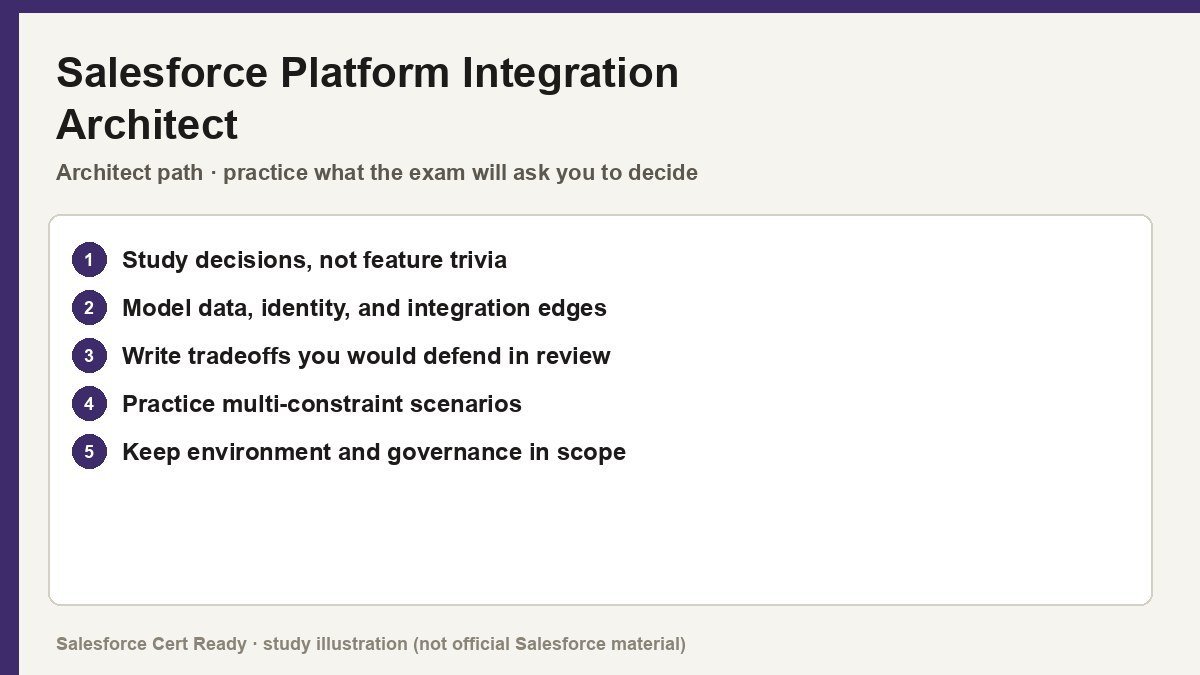
Study map for Salesforce Platform Integration Architect. Confirm objectives on current Salesforce sources.
Salesforce Platform Integration Architect
Catalog status checked July 19, 2026: Available.
Current credential snapshot
| Item | Current listing |
|---|---|
| Credential | Salesforce Platform Integration Architect |
| Track | Architect |
| Level in source inventory | Senior |
| Exam code in source inventory | Plat-Arch-204 |
| Price in source inventory | $400 USD |
| Availability | Available |
Exam format, objectives, pricing, and prerequisites can change. Confirm those details in Salesforce’s current exam guide before purchasing or scheduling an exam.
Study overview
🌉 Stop building silos and start building bridges.Salesforce Certified Platform Integration Architect
The elite benchmark for designing secure, scalable, and high-performance integrations on the Lightning Platform.
At a Glance
| Feature | Details |
|---|---|
| Exam Code | Plat-Arch-204 |
| Duration | 105 Minutes |
| Questions | 60 multiple-choice/multiple-select (plus up to 5 unscored) |
| Passing Score | 67% |
| Cost | USD 400 (Registration) / USD 200 (Retake) |
| Delivery | Proctored onsite or online via Kryterion Webassessor |
| Prerequisites | None (though System Architect track inclusion is notable) |
| Experience | 1–2 years integration architecture; 2–3 years hands-on admin/dev |
Who Should Take This
- Technical Architects who need to validate their ability to communicate complex technical designs and trade-offs to stakeholders.
- Senior Developers moving into architecture who have experience with various
APItypes and complex integration patterns. - Application Managers responsible for project delivery frameworks that ensure data quality and system success across enterprise landscapes.
- System Integrators who regularly work with middleware,
ETLtools, and off-platform systems likeHerokuorMuleSoft.
What You’ll Prove
Passing this exam demonstrates you aren’t just a configuration expert, but a strategic designer. You understand the “why” behind the “how,” matching business needs to the specific constraints of the Salesforce governor limits and multi-tenant architecture. * You can evaluate current system landscapes to identify constraints, standards, and potential pain points.
- You can translate vague business requirements into concrete functional and non-functional integration requirements.
- You can design end-to-end solutions using appropriate patterns like
Request and Reply,Fire and Forget, orBatch Data Synchronization. - You can specify the correct
APIfor a solution, whether it’sREST,SOAP,Bulk, orStreaming. - You can implement robust security mechanisms, including
OAuthflows,SSLcertificates, and secure secret storage.
Exam Outline
| Domain | Weight | What’s Covered |
|---|---|---|
| Evaluate Current System Landscape | 8% | Standards, limitations, protocols, and existing architecture constraints. |
| Evaluate Business Needs | 11% | Functional vs. non-functional needs and data classification (Confidential/Secure/Public). |
| Translate Needs to Requirements | 22% | Inventory systems, evaluate process constraints, and define security/auth requirements. |
| Design Integration Solutions | 28% | Pattern selection, component definition, and managing trade-offs/limitations. |
| Build Solution | 23% | API considerations (Provider vs. Consumer), outbound calls, and scalability. |
| Maintain Integration | 8% | Performance monitoring, error handling, escalation, and reporting needs. |
💡 In Notion, convert each domain row into a toggle to nest your study notes underneath.
Suggested Study Path
- Master the Data Integration Decision Guide. This is the “bible” for the exam. Memorize the comparison tables for
Apexvs.Middlewarevs.Outbound Messaging. - Learn Sequence Diagrams. You will see diagrams on the exam. Ensure you can read and trace
OAuthflows and complex system interactions. - Deep dive into Event-Driven Architecture. Understand the nuances between
Platform Events,Change Data Capture,Push Topics, andGeneric Events. - Compare and Contrast APIs. Know exactly when to use
Bulk API(large data) vs.REST(synchronous) vs.Tooling API. - Explore Declarative Integration. Don’t ignore
Salesforce ConnectandExternal Services; they appear more often than most developers expect. - Review Identity and Access basics. Brush up on
SAML,SSO, andJIT Provisioningas they intersect with integration security.
Watch Out For
- The “Middleware” Distraction. Just because a scenario mentions
MuleSoftorETLdoesn’t mean it’s the right answer. Evaluate if a native Salesforce feature (likeOutbound Messaging) is more efficient. - Legacy Feature Resilience. Be prepared to see “older” technologies like
Canvas,Mashups, andOutbound Messaging. In established enterprise orgs, these are often the “correct” answer for specific use cases. - The Error Handling Trap. Many candidates focus on the “happy path.” This exam cares deeply about what happens when an integration fails—know your retry logic and escalation procedures.
Resources
- Official Salesforce Exam Guide
- Architect Journey: Integration Architecture Trailmix
- Salesforce Architects: Data Integration Guide
- Apex Specialist Superbadge
Architecture is the art of making trade-offs you can live with. Go pass this thing so you can start charging the big-kid rates.
Official status sources
Catalog status last verified: 2026-07-19.