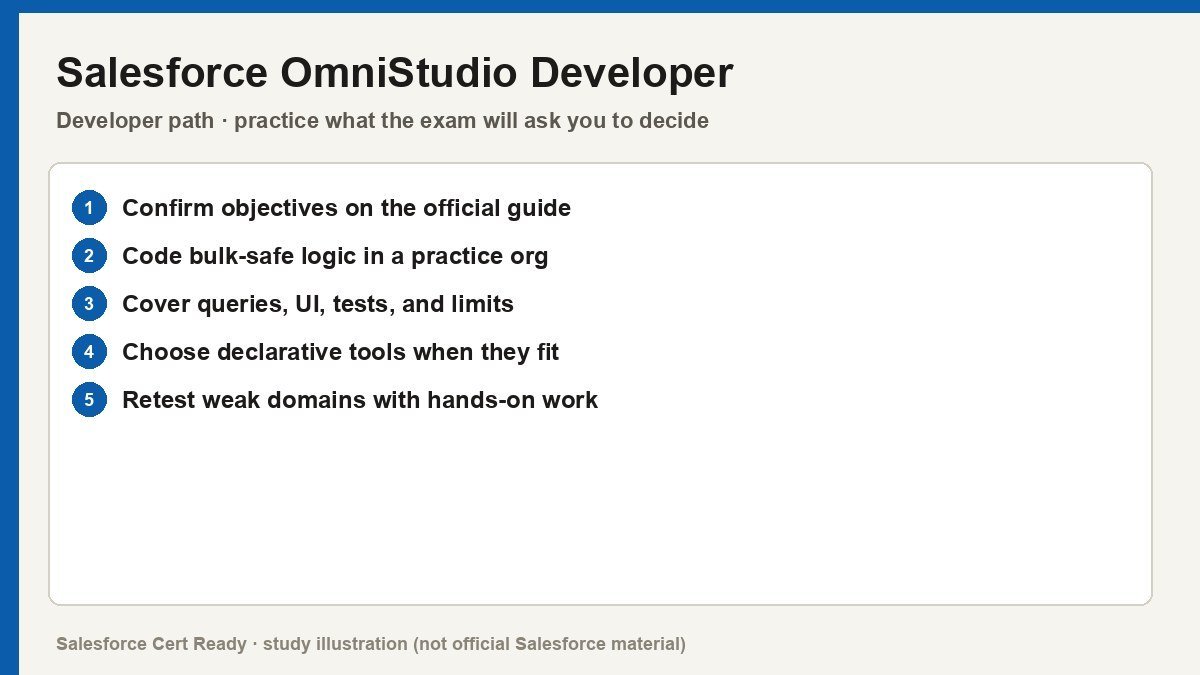
Study map for Salesforce OmniStudio Developer. Confirm objectives on current Salesforce sources.
Salesforce OmniStudio Developer
Catalog status checked July 19, 2026: Available.
Current credential snapshot
| Item | Current listing |
|---|---|
| Credential | Salesforce OmniStudio Developer |
| Track | Developer |
| Level in source inventory | Mid |
| Exam code in source inventory | Plat-Dev-210 |
| Price in source inventory | $200 USD |
| Availability | Available |
Exam format, objectives, pricing, and prerequisites can change. Confirm those details in Salesforce’s current exam guide before purchasing or scheduling an exam.
Study overview
🏗️ Build guided, data-driven customer experiences without the Apex overhead.Salesforce Certified OmniStudio Developer
Validate your expertise in declarative, industry-specific application development on the Salesforce platform.
At a Glance
| Category | Details |
|---|---|
| Exam Code | Plat-Dev-210 |
| Duration | 105 Minutes |
| Questions | 60 multiple-choice/multiple-select |
| Passing Score | 67% |
| Cost | $200 USD |
| Delivery | Proctored online or at a testing center |
| Prerequisites | None |
| Recommended Experience | ~1 year developer experience + 3–6 months hands-on with OmniStudio tools |
Who Should Take This
- The Low-Code Engineer: You are a developer who prefers configuration over code but understands the underlying logic required to build complex, multi-step business processes.
- The Industry Specialist: You work primarily with Salesforce Industries (Vlocity) clouds like Communications, Health, or Financial Services and need to master the core UI/Data engine.
- The UX-Focused Builder: You want to bridge the gap between back-end data and front-end experience by creating dynamic
FlexCardsand guidedOmniScripts.
What You’ll Prove
This certification demonstrates you can handle the end-to-end lifecycle of an OmniStudio project. You aren’t just dragging and dropping; you are architecting data flows and ensuring the front end scales effectively. * You can architect efficient data fetches using DataRaptor Turbo Extract and complex multi-source transforms via DataRaptor Transform.
- You can streamline server-side processing by nesting logic within
Integration Proceduresto minimize mobile/browser latency. - You can build branching, user-centric guided flows in
OmniScriptthat react dynamically to user input and external data. - You can deploy and troubleshoot metadata across environments using
IDX WorkbenchorIDX Build Tool.
Exam Outline
| Domain | Weight | What’s Covered |
|---|---|---|
| OmniScripts | 20% | Branching logic, element types, JSON structure, and guided interaction design. |
| DataRaptors | 20% | Extract, Turbo, Load, and Transform capabilities; mapping and formulas. |
| Integrated Troubleshooting | 20% | Debugging data flows, error handling, and deployment using IDX tools. |
| Integration Procedures | 17% | Server-side logic, REST calls, caching, and combining multiple data sources. |
| FlexCards | 15% | Displaying contextual data, card states, actions, and LWC integration. |
| Business Rules Engine | 8% | Mechanics of Decision Matrices and Expression Sets for complex logic. |
💡 In Notion, convert each domain row into a toggle to nest your study notes underneath.
Suggested Study Path
- Spin up a dedicated Org. Request a specific OmniStudio Developer Edition org; standard scratch orgs won’t have the managed packages you need to practice.
- Complete the official Trailmix. Work through “Prepare for Your Salesforce OmniStudio Developer Credential” to get a baseline on
JSONpathing and element properties. - Build a “Get and Set” project. Create a flow that extracts an Account (DataRaptor), displays it on a card (FlexCard), launches an edit process (OmniScript), and saves it back (Integration Procedure).
- Master the JSON structure. Spend time in the
OmniScriptdebugger. Understanding how data sits in the globalJSONtree is the difference between passing and failing. - Review the BRE. Don’t ignore the 8% weight for
Expression Sets. Know when to use aDecision Matrixversus a standardif/elselogic in an Integration Procedure.
Watch Out For
- The “Additional Input” Trap: When calling a
DataRaptorfrom anIntegration Procedure, you often need to manually map theSetValuespath into theAdditional Inputfield or the data won’t pass. - Context ID Confusion: Ensure your
FlexCardsandOmniScriptsare correctly looking forContextId(case sensitive) to pull the record ID from the page they are sitting on. - DataRaptor Type Overkill: Using a standard
Extractwhen aTurbo Extract(which is faster and lighter) would suffice is a common technical efficiency question. - JSON Pathing Errors: Double-check your node names. If your
DataRaptorexpectsAccount:Namebut yourOmniScriptprovidesAccName, the update will fail silently.
Resources
Stop writing Apex for things that don’t need it. Go get certified and show them how much faster you can build with a well-tuned Integration Procedure.
Official status sources
Catalog status last verified: 2026-07-19.