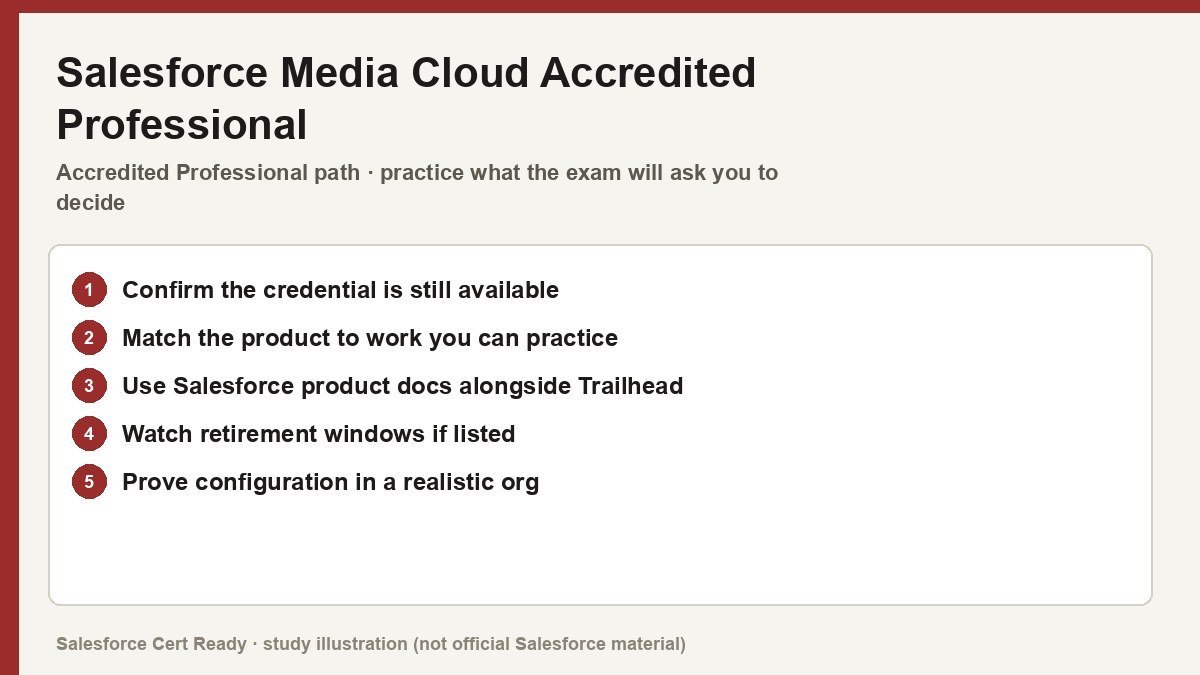
Study map for Salesforce Media Cloud Accredited Professional. Confirm objectives on current Salesforce sources.
Salesforce Media Cloud Accredited Professional
Catalog status checked July 19, 2026: Available; scheduled for retirement.
Salesforce says registration closes July 24, 2026, the last exam date is August 31, 2026, and the credential retires February 1, 2027.
Current credential snapshot
| Item | Current listing |
|---|---|
| Credential | Salesforce Media Cloud Accredited Professional |
| Track | Accredited Professional |
| Level in source inventory | Specialty |
| Exam code in source inventory | AP-217 |
| Price in source inventory | $150 USD |
| Availability | Available; scheduled for retirement |
Exam format, objectives, pricing, and prerequisites can change. Confirm those details in Salesforce’s current exam guide before purchasing or scheduling an exam.
Study overview
📺 Stop hacking together legacy ad tools and start centralizing subscriber life cycles on the world’s #1 industry cloud.Media Cloud Accredited Professional
Mastering the industry-specific data models and digital engagement tools for modern media companies.
At a Glance
| Feature | Details |
|---|---|
| Exam Code | AP-217 |
| Duration | 75 minutes |
| Questions | 60 multiple-choice/multiple-select |
| Passing Score | Verify on official guide |
| Cost | $150 USD |
| Delivery | Online proctored |
| Prerequisites | None (Platform Administrator recommended) |
| Recommended Experience | 1-2 years implementing Industries CPQ and OmniStudio |
Who Should Take This
- Solution Architects who need to design scalable media data models that support complex advertiser-agency relationships and multi-channel inventory.
- Industry Developers responsible for building
OmniScriptguided flows andFlexCardinterfaces to replace manual data entry and spreadsheet-based operations. - Business Consultants who bridge the gap between media-specific business requirements (like CPM-based pricing) and technical platform configurations.
- Technical Leads overseeing the integration of Salesforce with external ad servers like Google Ad Manager or FreeWheel.
What You’ll Prove
The exam tests your ability to plan, design, and implement business value using the Salesforce Industries Media application suite. It moves beyond standard CRM knowledge into the specialized world of subscriber management and advertising sales. * You can architect complex account structures using the Party Model to represent advertisers, agencies, and their specific roles like “Agency of Record.”
- You can configure industry-specific pricing logic using
Calculation ProceduresandMatricesto handle seasonal multipliers and volume discounts. - You can implement end-to-end subscriber workflows, from acquisition and onboarding to automated retention and upselling.
- You can deploy digital engagement tools like
FlexCardsandIntegration Proceduresto unify disparate data sources into a single 360-degree view. - You can optimize advertising sales cycles by connecting
Industries CPQwith the standardProduct Catalogfor seamless forecasting.
Exam Outline
| Domain | Weight | What’s Covered |
|---|---|---|
| Implementation | ~40% | Hands-on configuration, troubleshooting OmniStudio components, and navigating setup menus. |
| Discovery | ~30% | Requirements gathering, stakeholder analysis, and identifying integration points for ad servers. |
| Design | ~30% | Solution architecture, data modeling with Media Cloud objects, and audience segmentation plans. |
💡 In Notion, convert each domain row into a toggle to nest your study notes underneath.
Suggested Study Path
- Master the Media Data Model. Focus on how Salesforce extended the core model with blue-box objects for
Product,Price List, andAd Placement. - Build in a Sandbox. Hands-on experience is non-negotiable. Configure at least one end-to-end campaign workflow, including data sources and channel segments.
- Deep-dive into OmniStudio. Ensure you understand the
Standard Runtimesupport limits and howFlexCardsdisplay real-time digital delivery performance. - Study the Ad Delivery Connector. Understand how to embed
CRM Analyticsdashboards directly into account pages to show digital delivery metrics. - Review Pricing Frameworks. Memorize the relationship between
Pricing Plan,Pricing Plan Step, andPrice Listfor auditing streaming packages. - Practice Scenario Reasoning. Review realistic business situations involving audience targeting failures or scaling campaign infrastructure.
Watch Out For
- Custom vs. Standard Confusions. Many candidates waste time building custom Lightning components when
FlexCardsandOmniScriptscan handle specialized media views out-of-the-box. - The Agency of Record Trap. Don’t default to custom lookups or hierarchical accounts; the
Party Modelis the best-practice way to capture agency relationships. - Pricing Complexity. Pay attention to how
Calculation Proceduresapply margin visibility and agency commissions—missing these subtle requirements is a common pitfall. - Integration Over-Engineering. Using external warehouses like Big Query for basic dashboards is often less efficient than the native
Ad Delivery Connector.
Resources
- Official Media Cloud Exam Guide
- Media Cloud Developer Documentation
- Trailhead: Explore Media Solutions
- Partner Learning Camp: Media Cloud Path
Stop managing your media buys in Excel and get certified before the ad server times out. You’ve got 75 minutes to prove you’re not just another admin with a spreadsheet.
Official status sources
Catalog status last verified: 2026-07-19.